
 Join our Discord
Preview
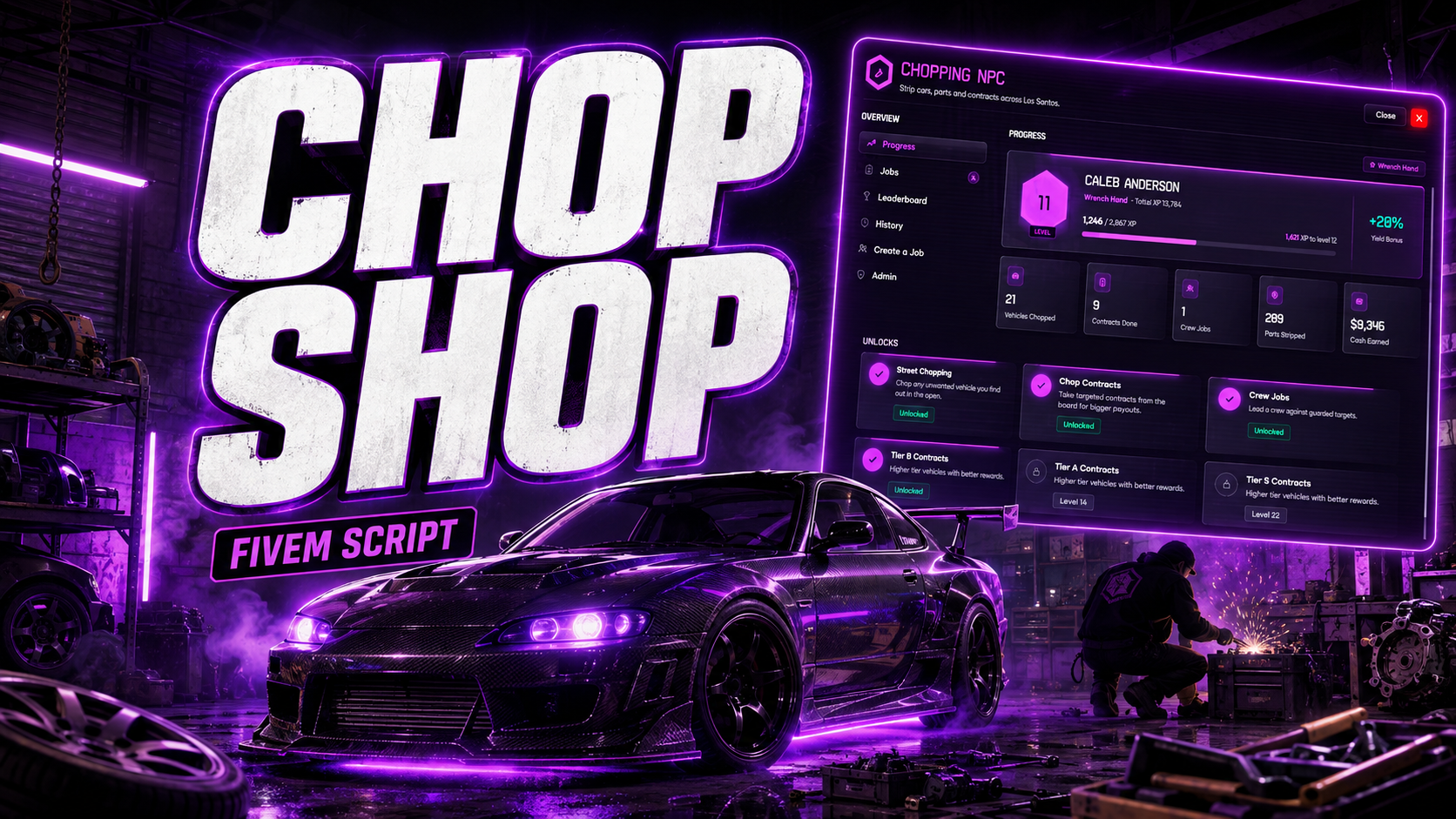
CL Chop Shop: progression-based vehicle chopping
CL Chop Shop gives your server a full criminal career built around stealing and stripping cars. New players start by chopping any unowned car they find on the street. As they gain XP they unlock targeted chop contracts, and later they lead crews against guarded, high-value vehicles. Every part comes off the car through its own hands-on minigame, and the car is visibly taken apart in real time for every player nearby.
Works on Qbox, QBCore and ESX.
How it works on your server
- Find a car. Any unowned vehicle parked or driving in the open can be taken. Player-owned (garage) vehicles are protected by default.
- Bring it to a chop spot. You choose the chop spot locations in the config. Park inside the marked zone, step out and use your target eye on the car to begin.
- Grab the tools and strip it. Doors, wheels, hood and trunk come off one at a time, each through its own minigame. The engine is pulled last, then the frame is torched to finish the job. Every removed part disappears from the car for everyone watching.
- Get paid. Players earn XP, cash and materials (scrap, steel, rubber, aluminum and more, all configurable). Higher levels earn a bigger yield bonus.
Six dismantling minigames
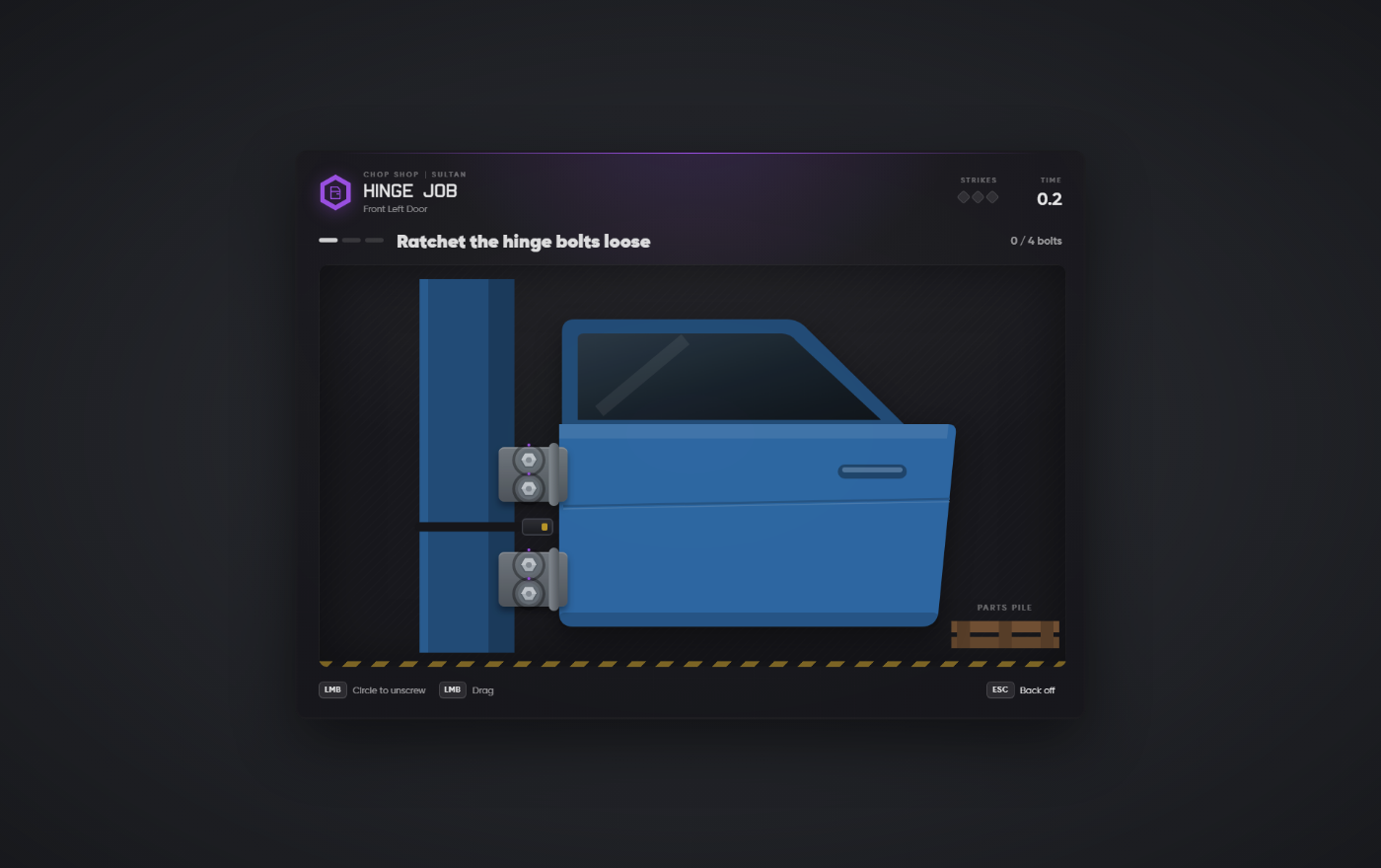
- Hinge Job (doors): ratchet the hinge bolts loose, rip out the wiring loom, then lift the door off its pins.
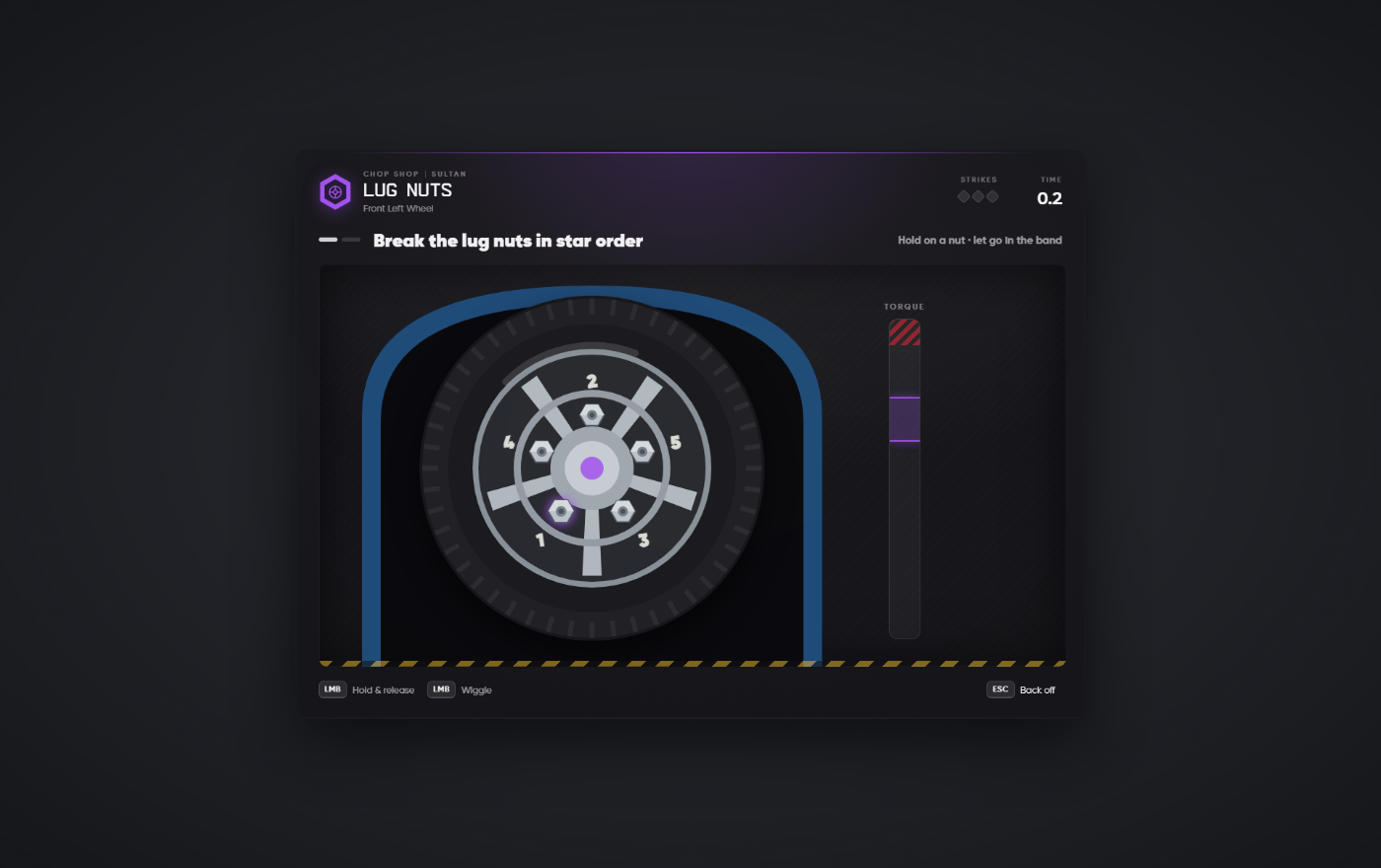
- Lug Nuts (wheels): break the nuts loose in star order, timing each one inside the torque band.
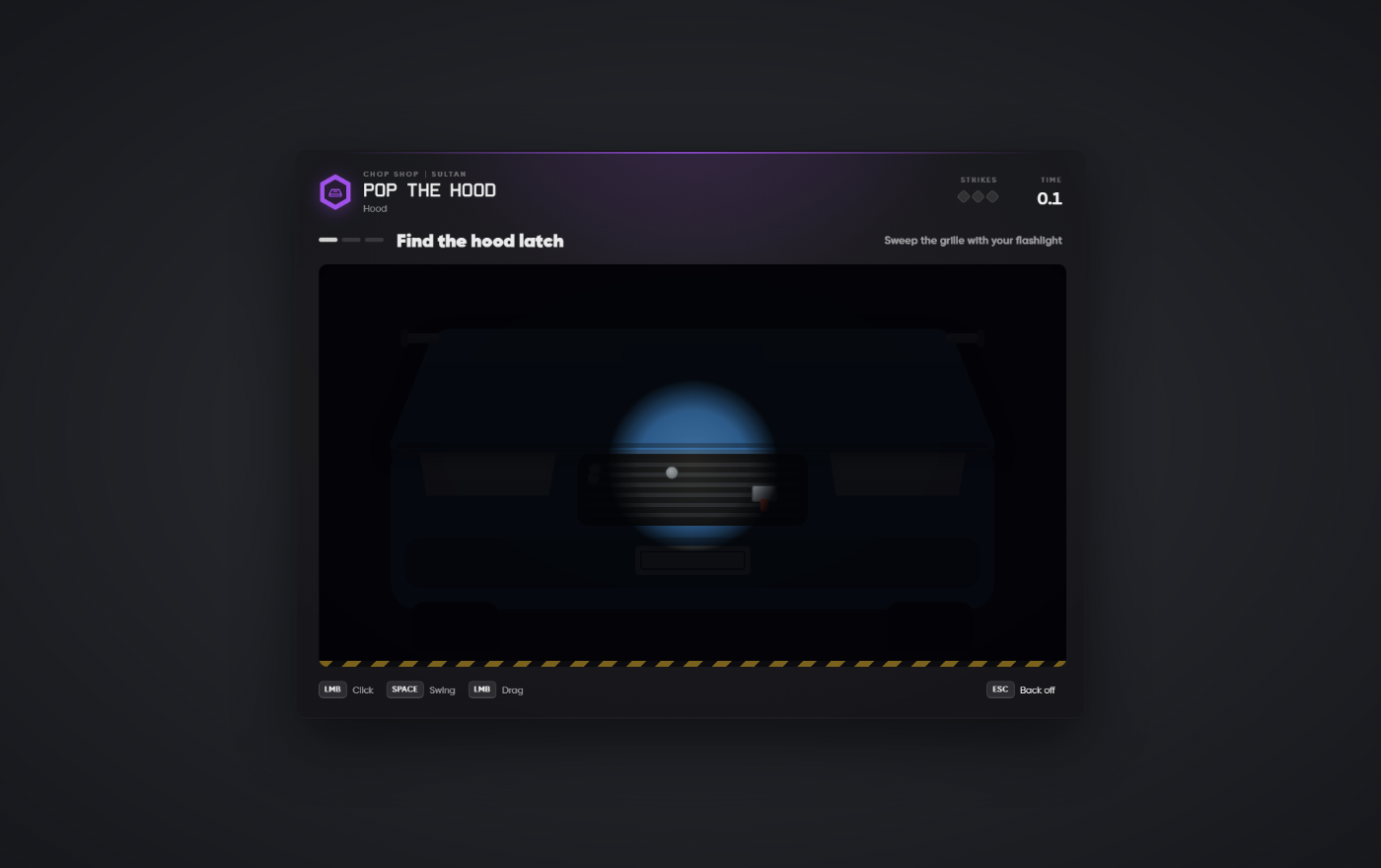
- Pop the Hood: sweep the grille with a flashlight to find the latch, then hammer the pins.
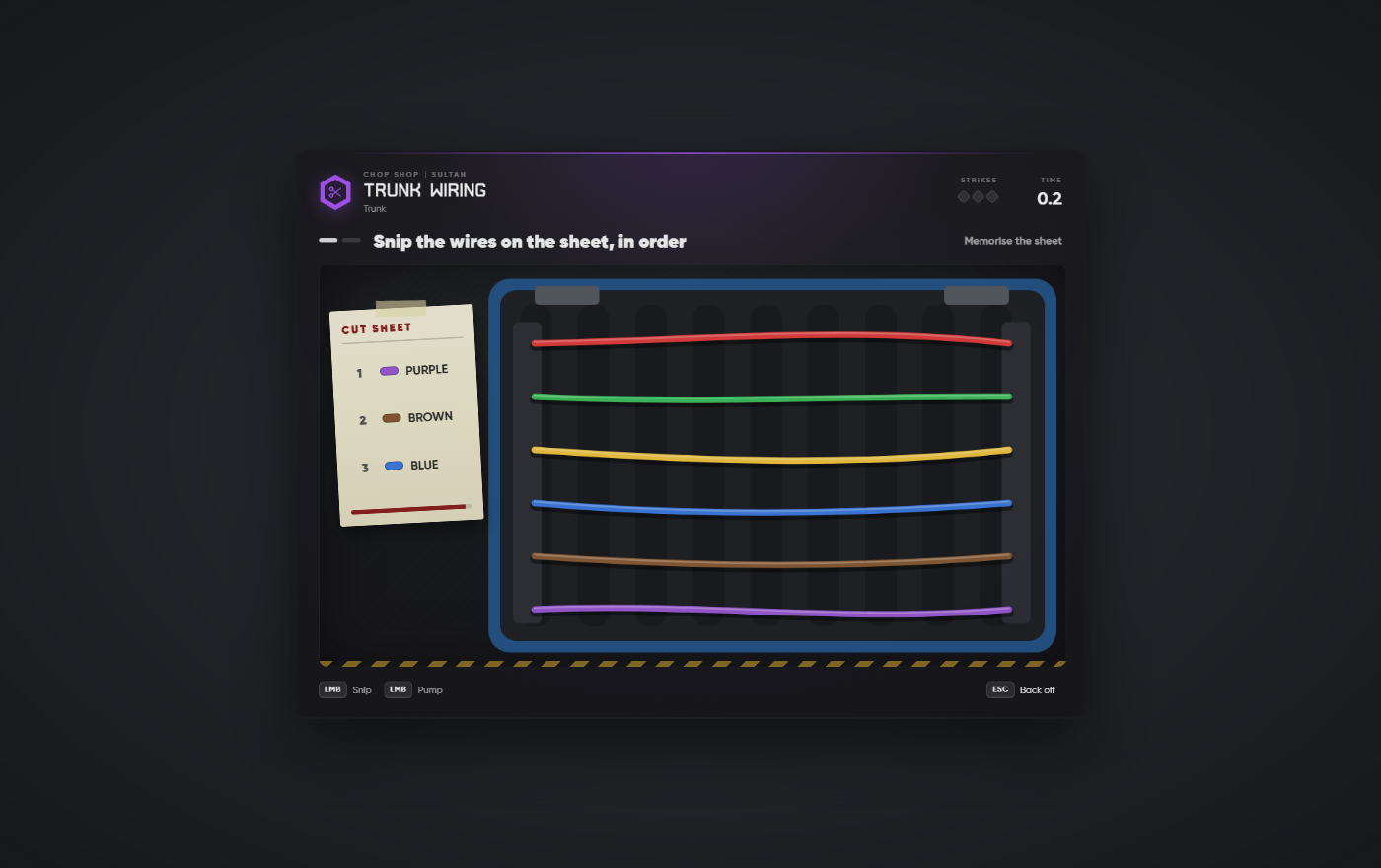
- Trunk Wiring: memorise which wires to cut, then snip them from memory.
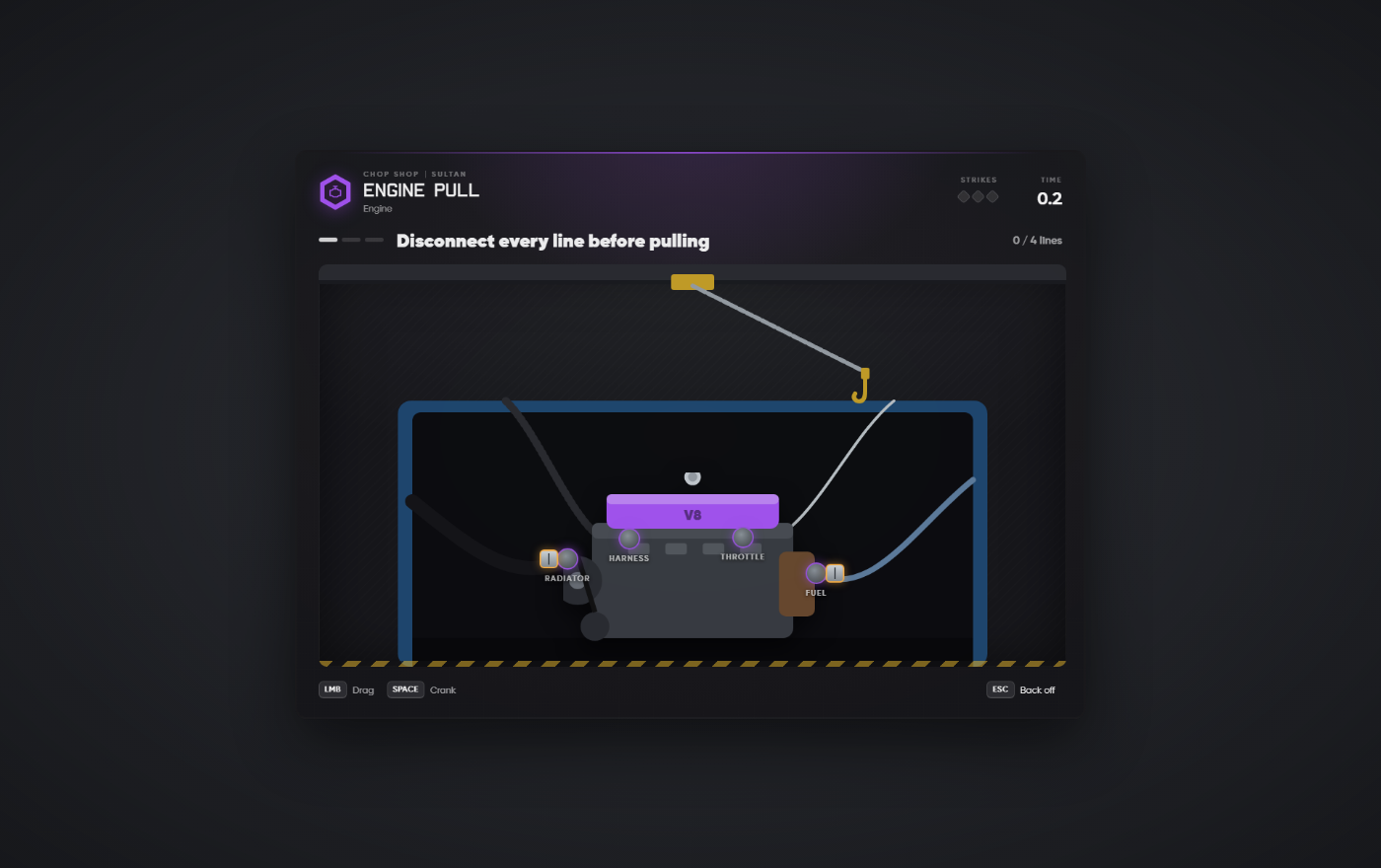
- Engine Pull: disconnect every line, then hoist the engine out while keeping it level.
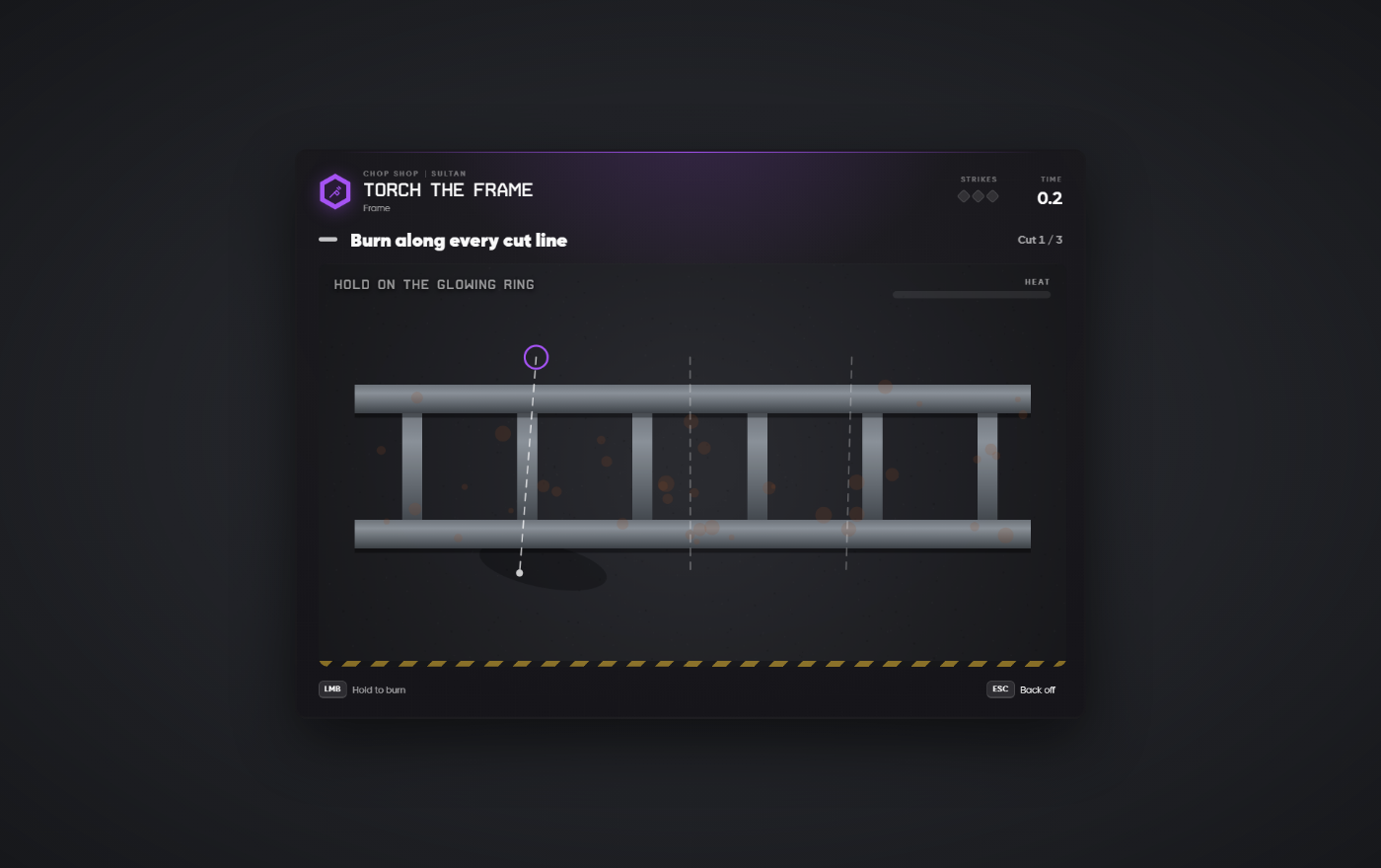
- Torch the Frame: burn along each cut line without overheating the torch.
Difficulty, timings and allowed mistakes can be tuned per minigame in the config.
Progression and levels
- 50 levels on a configurable XP curve, with rank titles from Street Rat to Kingpin.
- A per-level reward bonus, so experienced choppers earn more from every car.
- Contracts and crew jobs are gated by level, which gives players a reason to keep coming back.
Chop contracts
- A contract board at the chop shop contact NPC refreshes every 30 minutes.
- Four tiers (C, B, A and S), each unlocking at a higher level with better cars and rewards.
- Accepting a contract gives the player a contract item. Using it marks a search area on the map. The player has to find the car inside it, then deliver it to any chop spot.
- Each contract has a time limit. Street chops can also drop bonus contracts.
Crew jobs (group play)
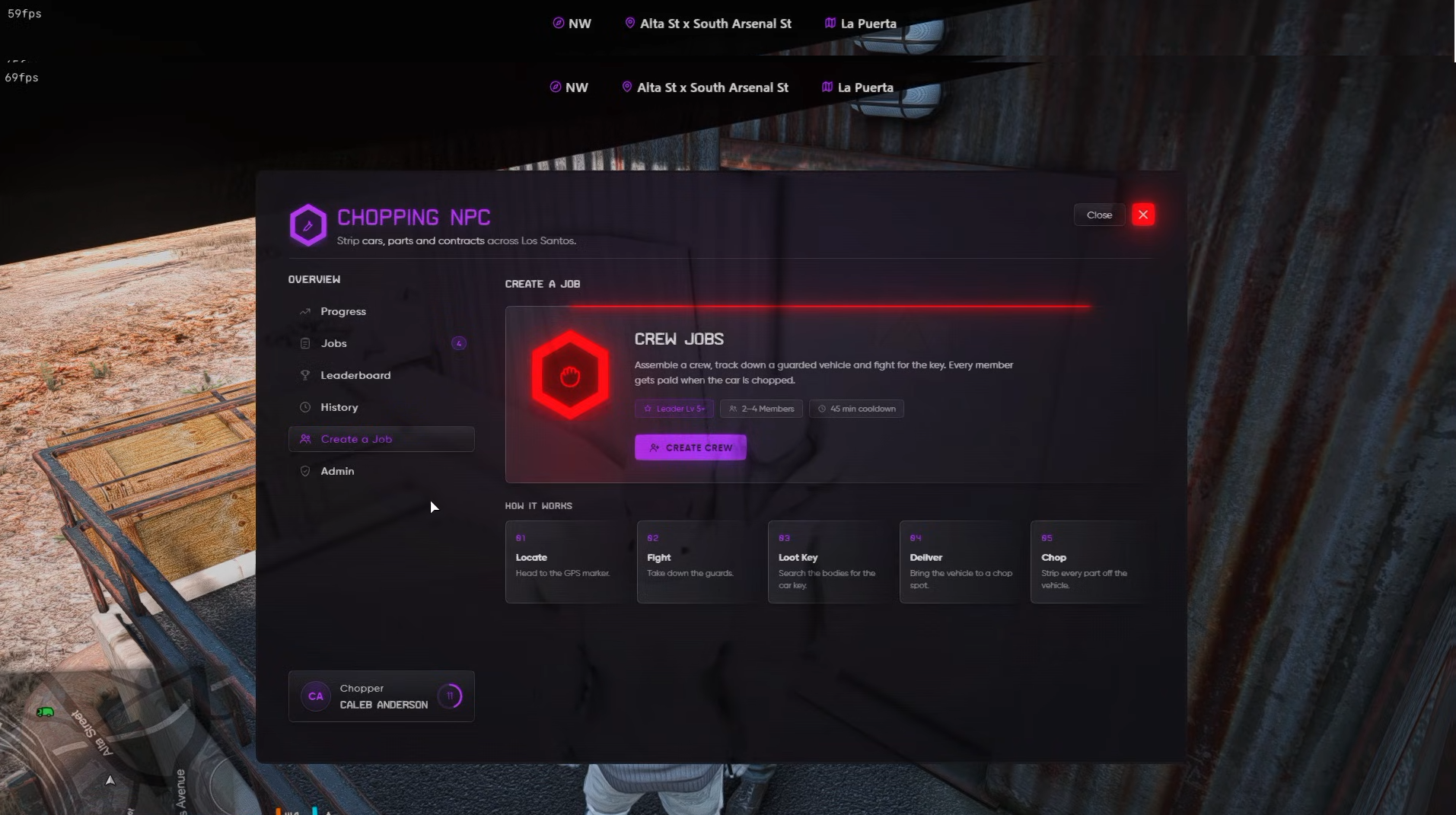
- The leader creates a crew in the NPC's menu and invites nearby players (2–4 members by default).
- The target vehicle is marked on everyone's GPS and is full of NPC guards. When the crew gets close, the guards jump out and fight.
- Take the guards down, search their bodies for loot and the car key, then drive the car to a chop spot and strip it together.
- Every crew member near the car gets paid. Rare crew contracts sometimes appear on the board, with tougher guards and much bigger payouts.
The chop shop menu
- Progress: the player's level, XP to the next level, rank, lifetime stats and upcoming unlocks.
- Jobs: the live contract board with a refresh countdown, vehicle previews and reward ranges.
- Leaderboard: the top 10 players by XP or by jobs completed.
- History: every chop the player has done, with filters and earnings totals.
- Create a Job: create and manage a crew, invite players and start crew jobs.
The menu is joined by an on-screen job tracker, a reward summary after each chop and a level-up animation.
For server owners
-
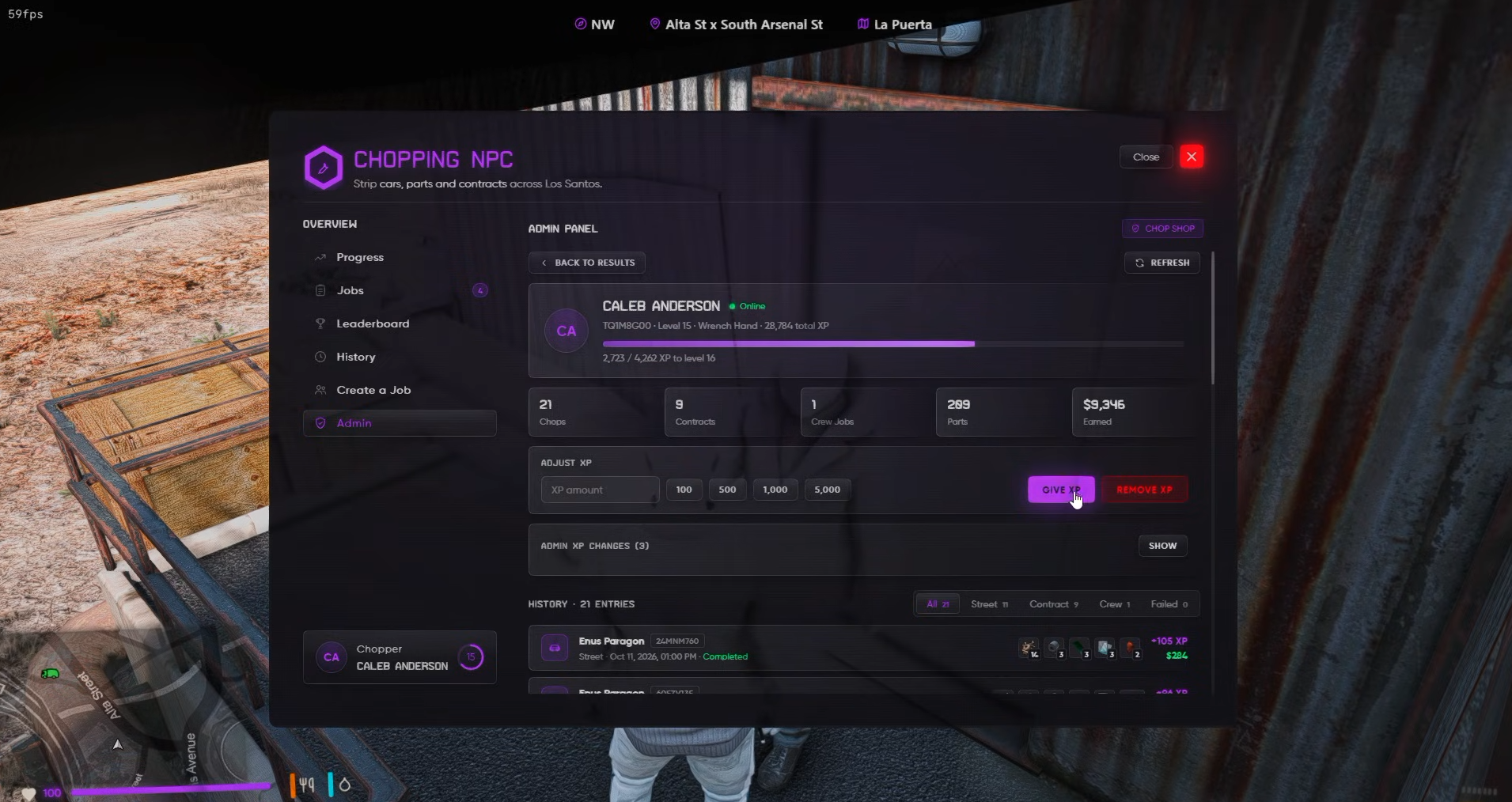
Admin panel (
/chopadmin): search characters, give or remove XP, and view a player's chop history. -
Placement helper (
/chophelper): stand where you want a chop spot or the NPC and copy the exact coordinates. - Server-authoritative: the server checks chop spots, vehicle ownership, part order, timings, distances and cooldowns, so players can't skip steps.
- Police requirements: set a minimum on-duty police count for street chops, contracts and crew jobs separately. Optional dispatch alerts work with ps-dispatch and cd_dispatch.
- Vehicle keys for contract and crew cars are handed out automatically with p_vehiclekeys, qbx_vehiclekeys, qb-vehiclekeys, Renewed-Vehiclekeys or wasabi_carlock.
- Fully configurable: spots, rewards, XP curve, tiers, car lists, guards, loot, blacklisted vehicles and classes, and every piece of text (translation-ready).
- Open where it matters: the config, locale, theme and framework bridge files are not encrypted, and the UI is plain HTML, CSS and JS, so you can restyle it or connect it to custom resources.
- Database tables are created automatically on first start.
Requirements
- Framework: qbx_core, qb-core or es_extended (ESX Legacy)
- ox_lib and oxmysql
- Target: ox_target or qb-target
- Inventory: ox_inventory, qb-inventory or the default ESX inventory
- OneSync (enabled by default on txAdmin servers)
Installation
Drop the folder in your resources, paste the included item definition for your inventory, add ensure CL_chopshop to your server.cfg, and set your chop spots and NPC location in shared/config.lua. A full step-by-step README is included.